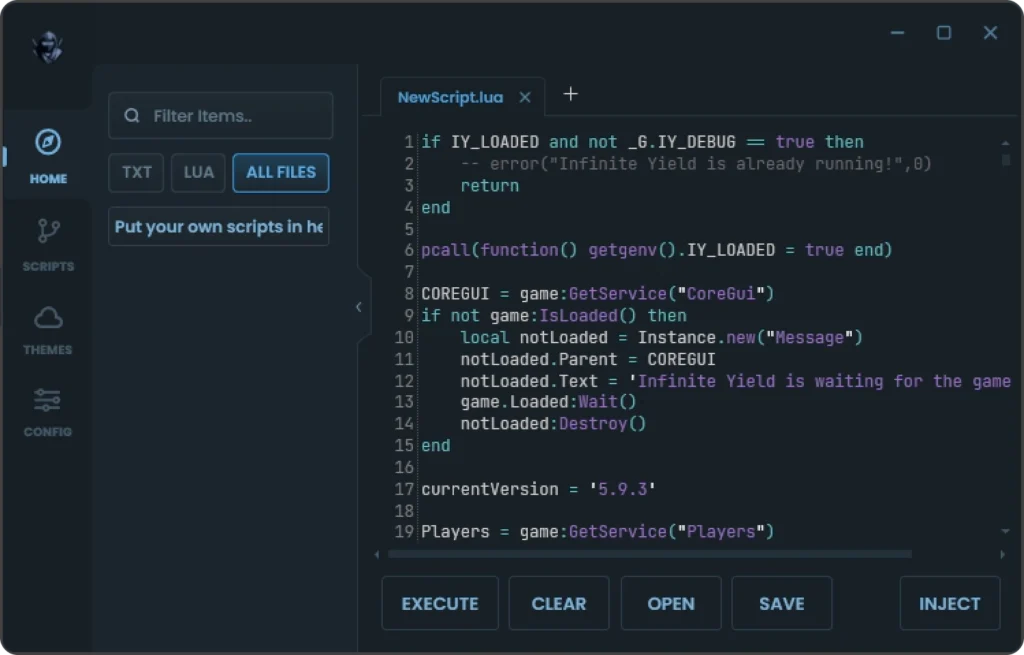
Delta Executor may stop working temporarily after Roblox releases an update. Changes to Roblox can affect the compatibility of third-party executors and scripts, which means an executor that worked previously may require an update or patch.
If Delta is suddenly not working, checking its current status can help you determine whether the problem is related to a broader compatibility issue or something specific to your device.
Why Does Delta Executor Stop Working After a Roblox Update?
Roblox regularly updates its software and underlying systems. These changes can affect third-party tools that depend on specific versions or behaviors of the platform.
As a result, Delta Executor may become temporarily unavailable until its developers release a compatible update.
Users may also encounter messages such as:
“Roblox Upgrade: Your version of Roblox is out of date.”
The exact wording of an error can vary depending on the Roblox version, device, and operating system.
What Does the Roblox Upgrade Error Mean?
A Roblox upgrade message generally indicates that the installed Roblox version is not compatible with the version currently expected by the platform, so we have created Roblox Upgrade Error Guide.
However, the message does not automatically mean that Delta’s servers are offline. It can also be related to:
- An outdated Roblox installation
- A recent Roblox update
- An incompatible Delta version
- Device-specific compatibility problems
- Temporary issues with third-party services
- Changes affecting how third-party tools interact with Roblox
For this reason, it is useful to identify the source of the problem before attempting multiple fixes.
Why Check Delta Executor Status?
Checking the current status can help separate a service-wide issue from a problem affecting only your device.
For example, if other users are experiencing the same problem immediately after a Roblox update, the issue may be related to compatibility rather than your individual installation.
On the other hand, if Delta is working for others but not on your device, you may need to investigate your Roblox version, application installation, device configuration, or Delta version.
How to Check Delta Executor Status
There may not always be a publicly available, independently verified real-time status page for third-party executors. Therefore, avoid treating an old status message or an unverified social-media post as confirmation that the service is currently online.
Before troubleshooting, check for:
- A recent Delta version or compatibility update.
- Recent Roblox updates.
- Current information from the relevant developer or distribution channel.
- Reports from multiple users rather than relying on a single post.
- Whether the same problem occurs after restarting Roblox and your device.
If reliable information confirms that the service is temporarily unavailable, waiting for a compatible update may be the only practical option.
What Happens When Roblox Updates?
A typical compatibility cycle may look like this:
Roblox update → compatibility changes → Delta may stop working → developers investigate or patch the software → a compatible version may become available
The timing of this process can vary. There is no reliable way to guarantee when a third-party executor will become compatible with a particular Roblox release.
What Should You Do When Delta Is Not Working?
Before assuming that the servers are down, try to identify the cause.
Check Roblox
Make sure your Roblox installation is current and functioning normally without Delta-related tools.
Check for a Delta Update
If Roblox has recently released an update, look for information about whether your current Delta version supports it.
Check Your Device
Restart your device and confirm that your operating system and required applications are functioning normally.
Look for Current Information
Use recent and trustworthy sources when checking whether a compatibility problem is widespread. Older guides may describe a version or error that is no longer relevant.
Avoid Unverified Downloads
When searching for a new version, be careful with websites offering modified applications, unknown installers, or files that require unnecessary permissions.
Is Delta Executor Currently Online?
Service availability can change quickly, particularly following Roblox updates. A status statement published at one point should not be treated as permanent confirmation.
If you are checking Delta’s status because the application has stopped working, first determine whether Roblox has recently updated. A recent platform update is an important factor to consider before changing your installation.
Frequently Asked Questions
Why does Delta stop working after Roblox updates?
Roblox updates can change components that third-party software depends on. This can make an existing Delta version incompatible until it is updated.
Does a Roblox upgrade error always mean Delta is offline?
No. The error can have several possible causes, including an outdated Roblox installation or compatibility problems. The message alone does not confirm a Delta server outage.
How long does Delta downtime last after a Roblox update?
There is no fixed timeframe. It depends on the changes introduced by the Roblox update and how quickly a compatible version of the third-party software becomes available.
Should I reinstall Delta when it stops working?
Reinstalling is not necessarily the solution. First determine whether the problem is caused by an outdated version, Roblox update, compatibility issue, or temporary service problem.
Where can I find Delta updates?
Use the relevant current distribution or developer information available for the software and verify that any download is legitimate before installing it.
Final Thoughts
When Delta Executor stops working, especially immediately after a Roblox update, compatibility should be one of the first things you investigate.
Checking recent Roblox changes, the Delta version you are using, and reliable current information can help you determine whether the problem is temporary or specific to your device.
Because third-party software and platform compatibility can change quickly, always verify current information before downloading an updated version or changing your device’s security settings.